WebUI
A browser-based interface that syncs in real-time with the terminal. Features Monaco editor, multi-terminal, Git panel, settings modal, file explorer, and real-time AI chat.
A browser-based interface that syncs in real-time with the terminal. Chat, switch modes, reference files, and configure settings — all from your browser.
Prefer a native app?
The WebUI is also available as a Desktop App for Windows, macOS, and Linux — same interface, native window.
Quick Start
# Start the WebUI
xibecode ui --open

# Or start chat (WebUI opens automatically)
xibecode chat

# WebUI runs at http://localhost:3847
Screenshots
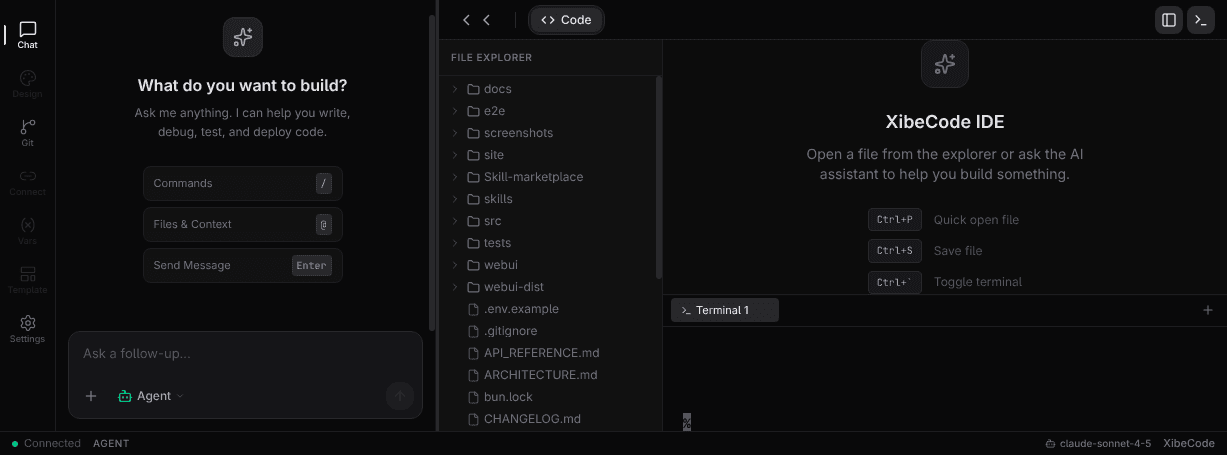
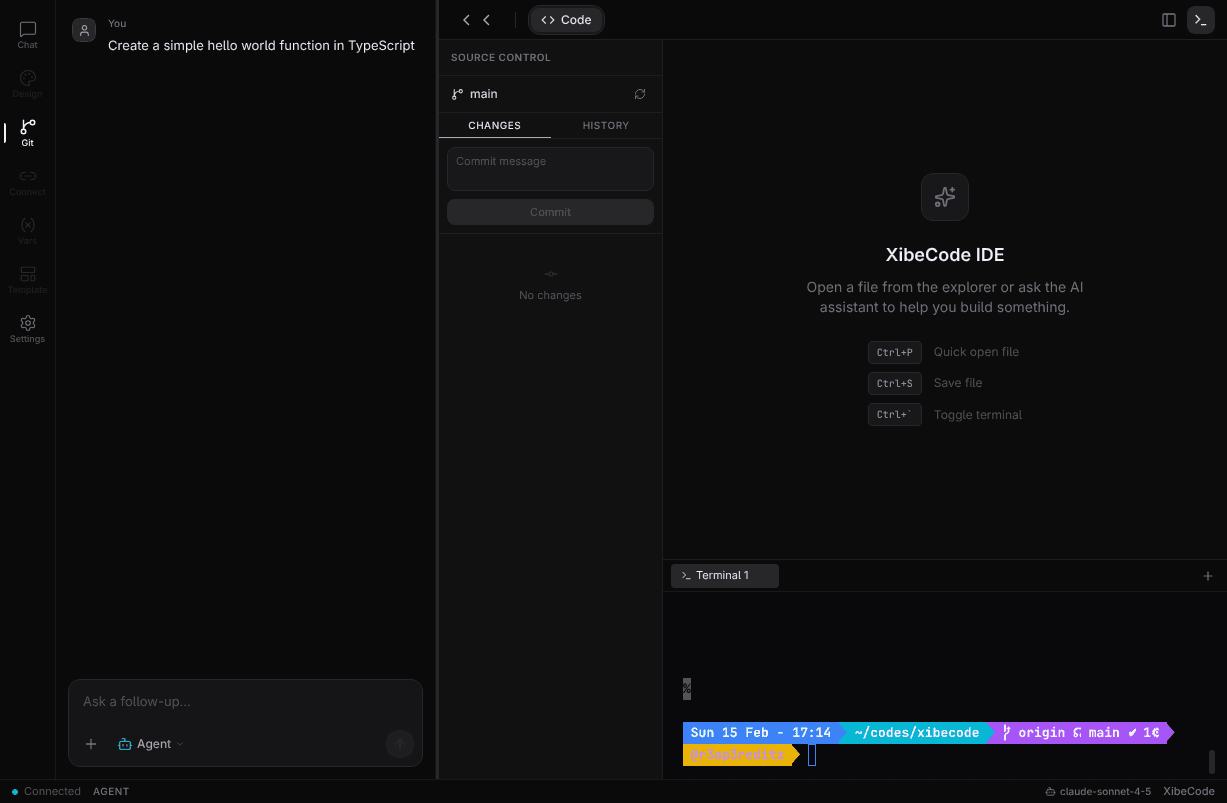
Main Interface
Modern v0.dev-inspired interface with activity bar, chat panel, code editor, and terminal.
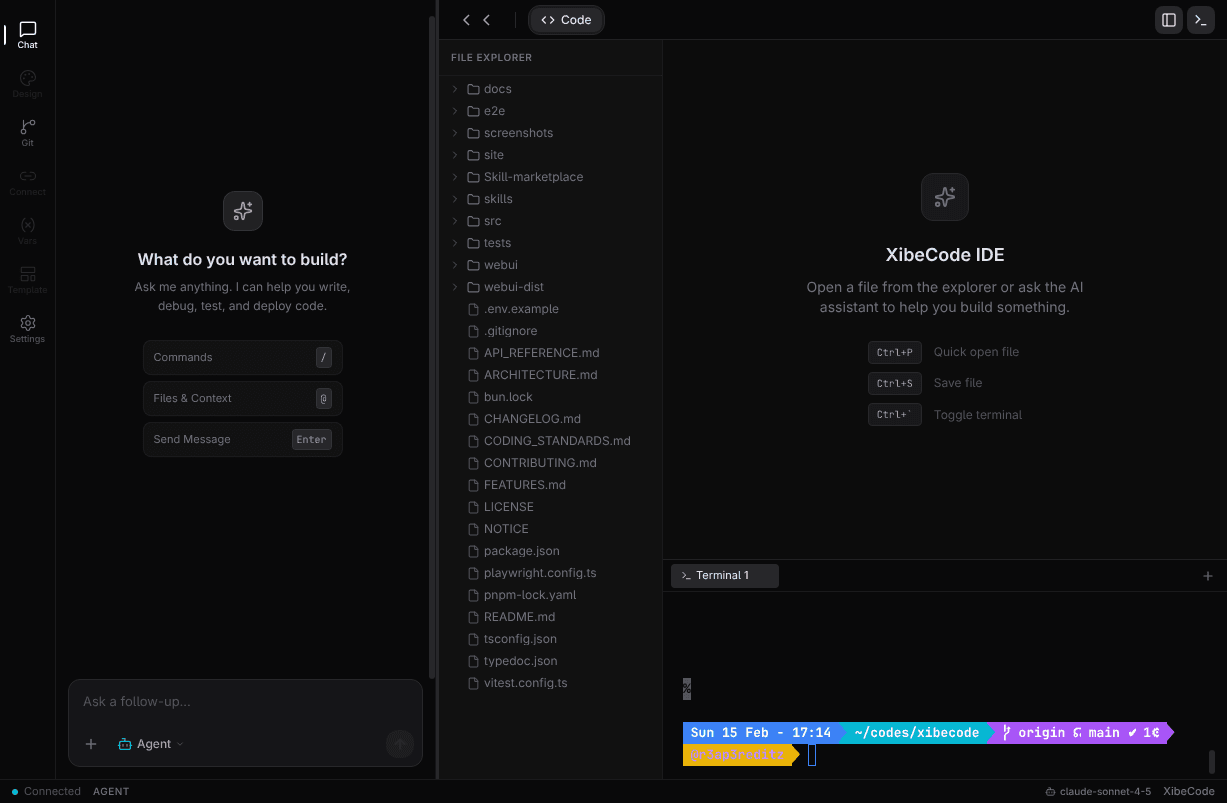
File Explorer
Browse and open files with recursive directory tree.
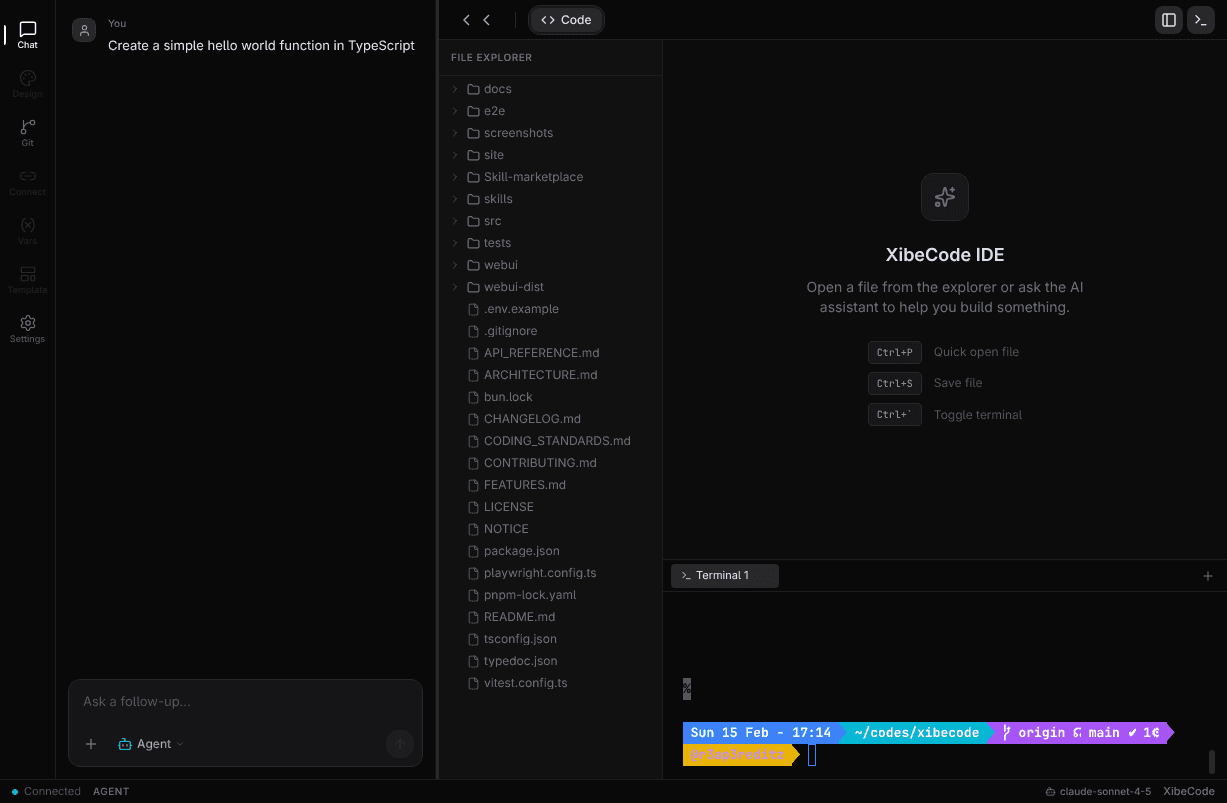
Chat Interface
Interactive AI chat with streaming responses and markdown rendering.
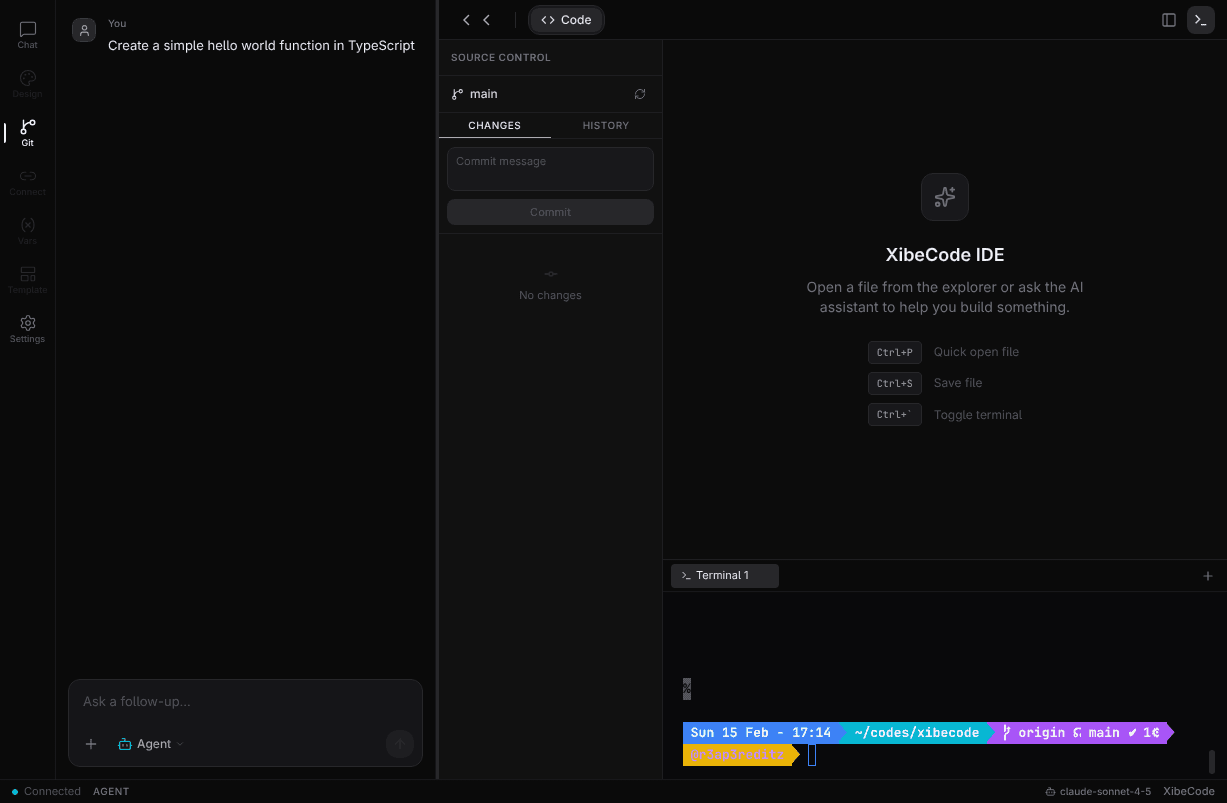
Git Panel
Git integration with commit history, staging, and diffs.
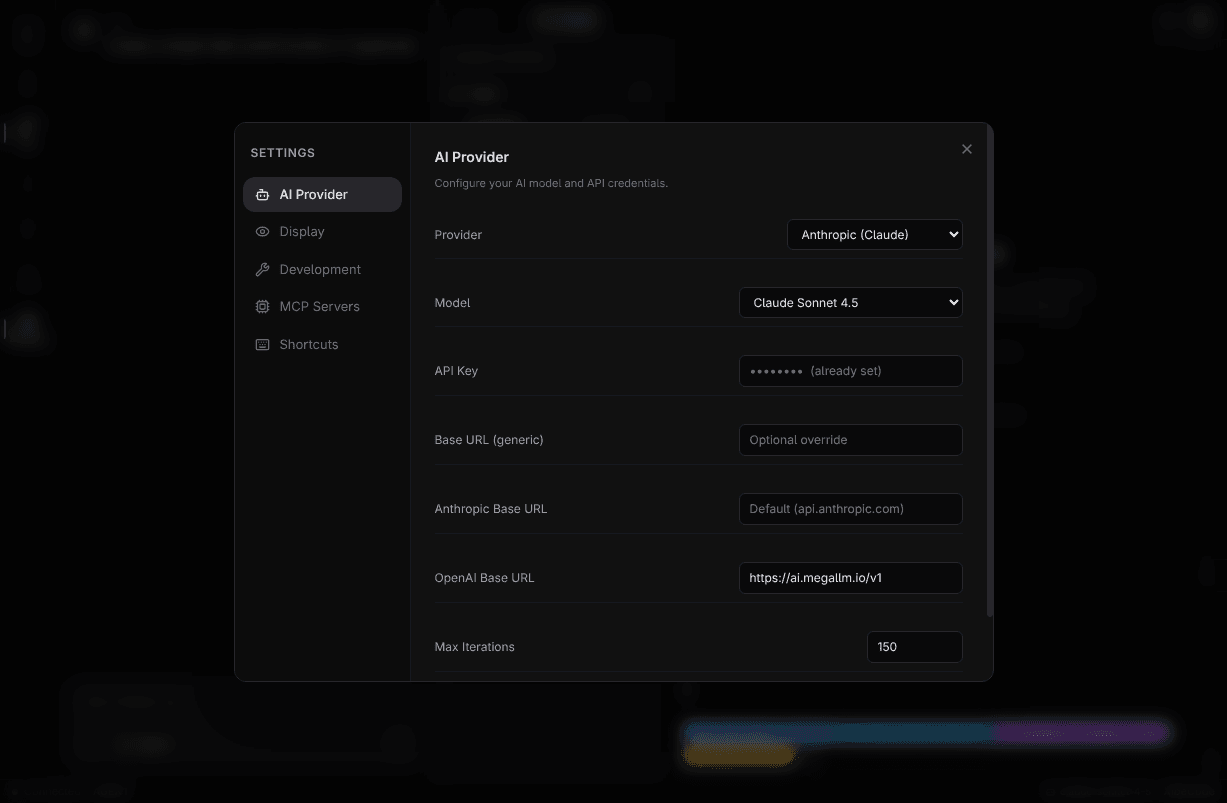
Settings Panel
Comprehensive settings modal with multiple configuration categories.
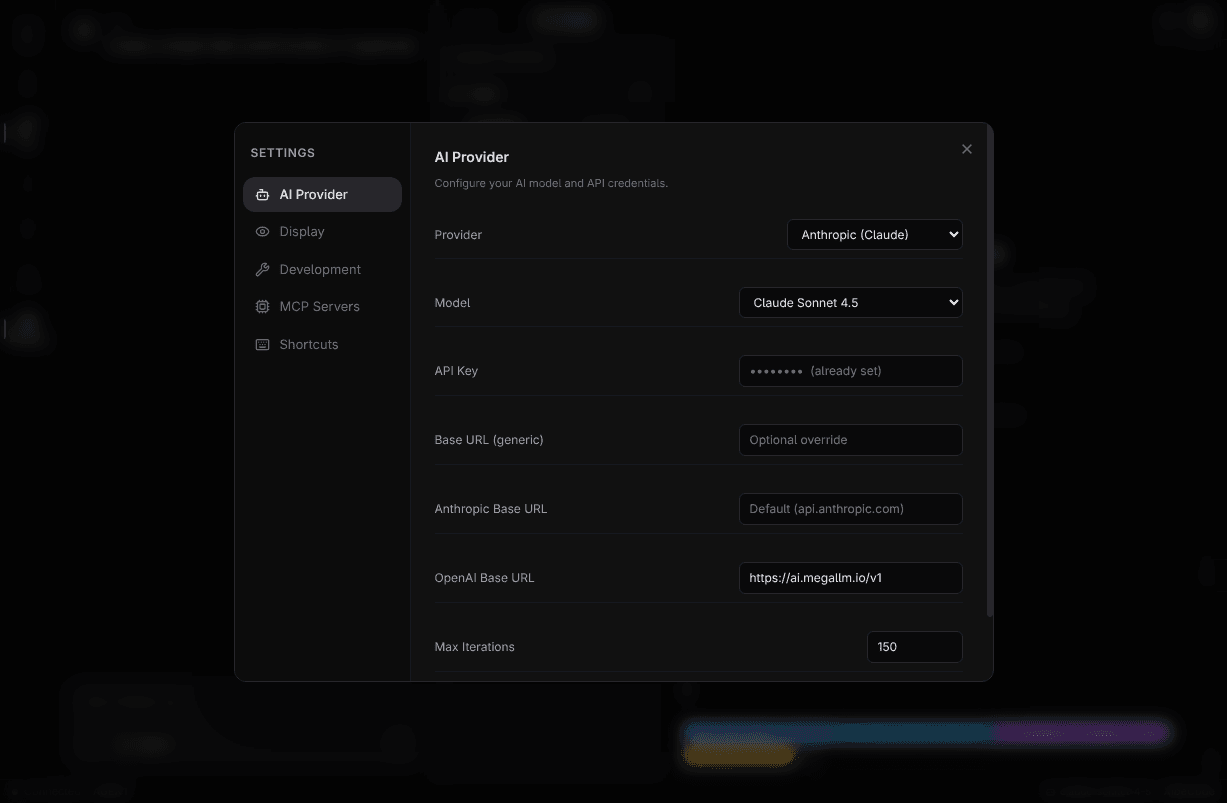
AI Provider Settings
Configure AI models, API keys, and provider settings.
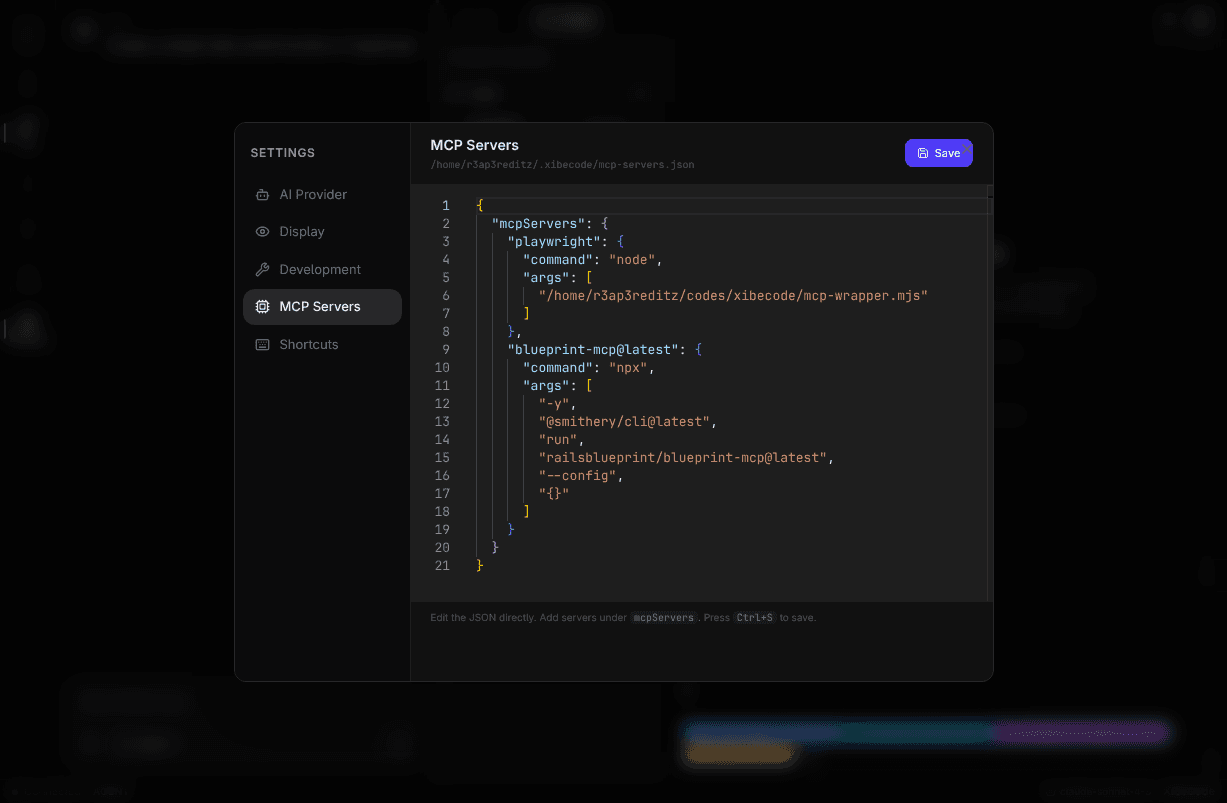
MCP Servers Editor
Edit MCP server configuration with Monaco editor and syntax highlighting.
Terminal View
Fully interactive terminal with PTY support, colors, and tab completion.
New in v0.5.0
- Interactive Plan Mode - Plan mode asks questions, searches the web, generates
implementations.md, and has "Build" to auto-execute - Chat History - Persistent conversations with per-project storage, History panel in activity bar
- Environment Variables Editor - Visual
.enveditor with auto-detection, secret masking, live editing - Media Preview - Images, videos, audio render as proper previews instead of binary
- Thinking Animation - Loading spinner while AI processes requests
- Improved Tool Rendering - Icons, status badges, and progress indicators for tool calls
- Smart Scroll - No more forced scrolling when reading earlier messages
- Donate Button - Support XibeCode from the activity bar
Previous (v0.4.x)
- TUI-WebUI bidirectional sync
- Slash commands for mode switching
@file references- Custom model/endpoint support
- Tool execution display
- Minimalistic terminal design
TUI-WebUI Sync
When you run xibecode chat, both the terminal and browser interfaces are connected in real-time:
From TUI to WebUI:
- Messages appear with "(TUI)" label
- Streaming responses show live
- Tool calls display in real-time
From WebUI to TUI:
- Messages processed by TUI agent
- Full tool access and execution
- Responses stream to both interfaces
Slash Commands
Type / in the input to open the command palette. Use arrow keys to navigate and Enter to select.
| Command | Description |
|---|---|
/clear | Clear chat messages |
/help | Show available commands and tips |
/diff | Show git diff |
/status | Show git status |
/test | Run project tests |
/format | Format code in project |
/reset | Reset chat session |
/files | List project files |
Agent Modes in WebUI
| Mode | Icon | Description |
|---|---|---|
/mode agent | 🤖 | Autonomous coding (default) |
/mode plan | 📝 | Interactive planning with web research |
/mode tester | 🧪 | Testing and QA |
/mode debugger | 🐛 | Bug investigation |
/mode security | 🔒 | Security analysis |
/mode review | 👀 | Code review |
/mode team_leader | 👑 | Coordinate team of agents |
/mode architect | 🏛️ | System design |
/mode engineer | 🛠️ | Implementation |
/mode seo | 🌐 | SEO optimization |
/mode product | 🔥 | Product strategy |
/mode data | 📊 | Data analysis |
/mode researcher | 📚 | Deep research |
File References
Type @ in the input to browse and reference project files:
- Shows files and folders in your project
- Type after
@to filter (e.g.,@src/) - Use arrow keys to navigate, Enter to select
- Selected file path is inserted into your message
Fix the bug in @src/utils/helpers.tsSettings Panel
Click the Settings button in the activity bar to configure:
AI Provider:
- Provider — Anthropic, OpenAI, or Custom
- Model — Select from available models
- Custom Model ID — For local/custom LLMs
- API Key — Your provider API key
- Base URL — Custom API endpoint
Session Info:
- Working Directory — Current project path
- Git Branch — Current branch name
- Session ID — Current session identifier
Features
- Real-time Streaming — See AI responses as they're generated
- Tool Execution Display — Live status indicators: running, done, or failed
- Markdown Rendering — Rich text with code blocks, bold, italic, lists, links
- Thinking Indicator — Spinner animation during AI processing
- Minimalistic Design — Clean, dark theme with monospace fonts
- Responsive Layout — Works on desktop and mobile
Keyboard Shortcuts
| Shortcut | Action |
|---|---|
/ | Open mode selector |
@ | Open file browser |
Enter | Send message / Select item |
Shift+Enter | New line in message |
↑ ↓ | Navigate popup options |
Esc | Close popup |
Multi-Model Support
Anthropic: Claude Sonnet 4.5, Claude Opus 4.5, Claude Haiku 4.5
OpenAI: GPT-4o, GPT-4o Mini, GPT-4 Turbo, GPT-3.5 Turbo
Custom: Any OpenAI-compatible API, Local LLMs (Ollama, LM Studio), Custom model IDs
API Reference
| Endpoint | Method | Description |
|---|---|---|
/api/config | GET/PUT | Get or update configuration |
/api/project | GET | Project info (name, git, etc.) |
/api/files | GET | List project files |
/api/git/status | GET | Git status information |
/api/git/diff | GET | Git diff output |
/api/tests/generate | POST | Generate tests for a file |
WebSocket Connection
// Connect in bridge mode
const ws = new WebSocket("ws://localhost:3847?mode=bridge");

// Send message to TUI
ws.send(JSON.stringify({ type: "message", content: "Hello" }));

// Receive events
ws.onmessage = (e) => {
  const data = JSON.parse(e.data);
  // Types: user_message, stream_start, stream_text, stream_end,
  //        tool_call, tool_result, thinking, error
};
Configuration
Customize models, API endpoints, package managers, and all XibeCode settings. 23 config options including apiKey, model, maxIterations, and more.
AI Test Generation
Automatically generate comprehensive test suites for your code using AI-powered analysis. Supports Vitest, Jest, Mocha, pytest, and Go test.